Note
The NiMARE NeuroLibre preprint is a valuable resource that provides examples on how to utilize the package. However, it is important to note that this publication is static and will not be updated as NiMARE evolves. Despite potential changes to the syntax of the code, the publication remains an excellent reference to understand the various applications of NiMARE.
Examples
Most examples have a launch JupyterLite button at the bottom of the page, which opens the example as a notebook that runs in your browser, with nothing to install. The first imports take about half a minute, and the analyses run a few times slower than they would on your own machine. Examples that download data from other sites, or that need PyTorch, XGBoost or pyarrow, don’t have the button.
Working with studysets
NiMARE’s primary collection type is now Studyset.
Studysets can be used directly with estimators, workflows, and several transformers,
while the legacy Dataset class remains available for backwards compatibility
and migration workflows.
Additionally, NiMARE contains fetching and conversion tools for a number of meta-analytic resources,
including NeuroStore, Neurosynth, NeuroQuery, NeuroVault, and, to a limited extent, BrainMap.
For coordinate data, prefer fetch_neurostore(): it downloads a NeuroStore
studyset release, which is rebuilt from the live database, while the Neurosynth and NeuroQuery
fetchers download frozen snapshots and fetch_neurosynth is deprecated.
In the examples below, we show how to work with Studysets in NiMARE, along with
legacy Dataset-specific examples for interoperability and migration.


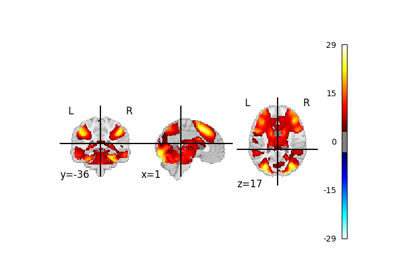



Create a legacy NiMARE Dataset object from a JSON file


Performing meta-analyses
NiMARE implements a number of coordinate- and image-based meta-analysis algorithms in its meta module.
The examples below use Studyset as the primary analysis input,
with legacy Dataset objects appearing only in preprocessing steps
where older APIs still require them.
For more information about the components that go into coordinate-based meta-analyses in NiMARE, see Coordinate-based meta-analysis in NiMARE, as well as Outputs of NiMARE.
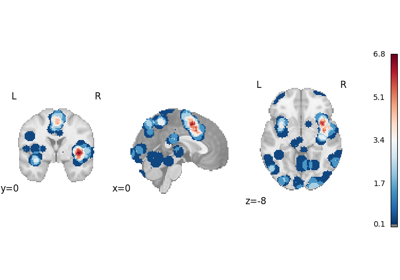
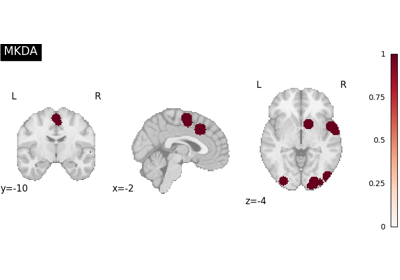
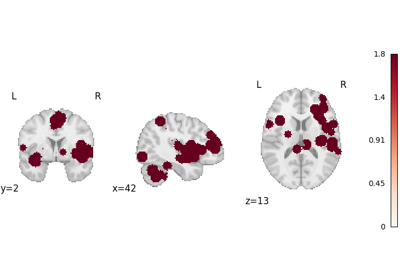
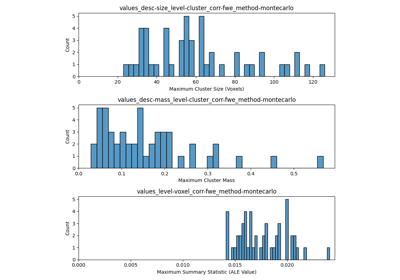
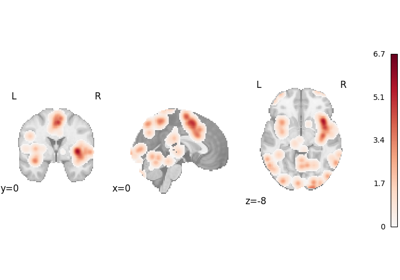

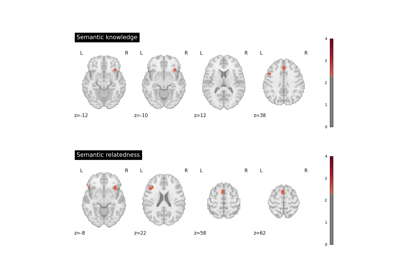
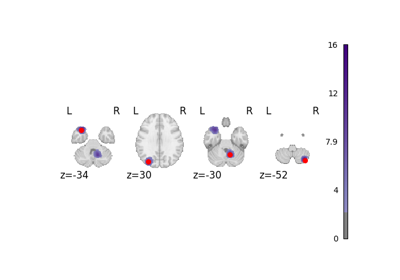
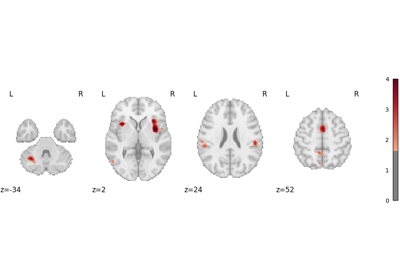
Run a coordinate-based meta-analysis (CBMA) workflow
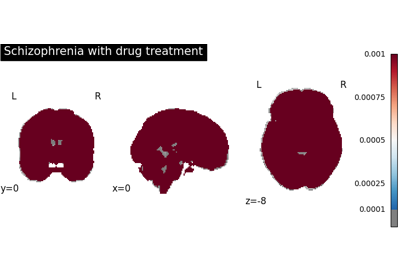
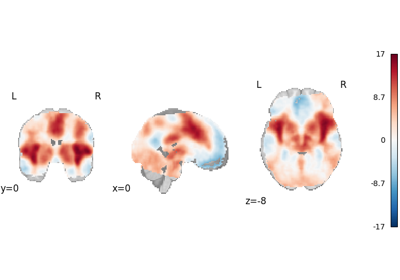
Coordinate-based meta-regression with a model formula
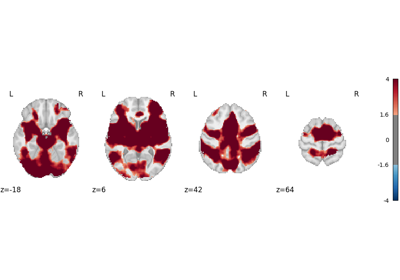


Predictive ALE: fast FWE correction without Monte Carlo

Stability diagnostics: Jackknife vs. ResampledStability
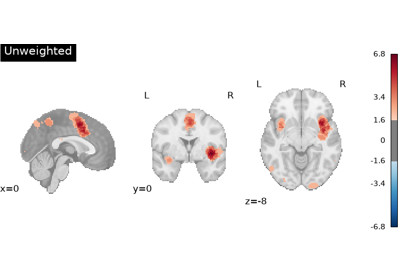
Annotating Studysets
Annotation tools within NiMARE (annotate) refer to methods which
assign labels to analyses in a Studyset, generally based on text.

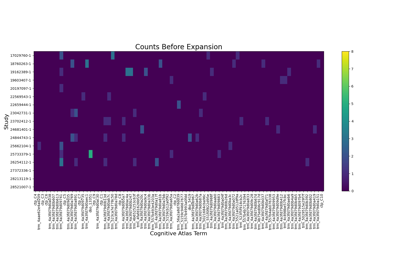

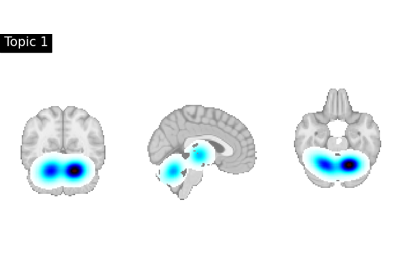
Decoding ROIs and images
Functional characterization analysis refers to methods which use meta-analytic databases to characterize, or “decode”, brain regions or statistical maps in terms of tasks and/or mental processes. For more information about functional characterization analysis, see Meta-analytic functional decoding.
Machine learning with Studysets
NiMARE’s machine-learning tools convert Studyset
objects into scikit-learn-compatible bunches. The example below builds
modeled activation features, splits analyses so each study stays on one side,
reduces the voxelwise features, and fits a downstream estimator.